Pennylane Integration Guide
Learn how to connect your Pennylane account to CapIA in just 4 simple steps.
How It Works
Navigate to Connection Hub
Go to the Connection Hub in your CapIA dashboard and click the 'Connect' button on the Pennylane integration card.
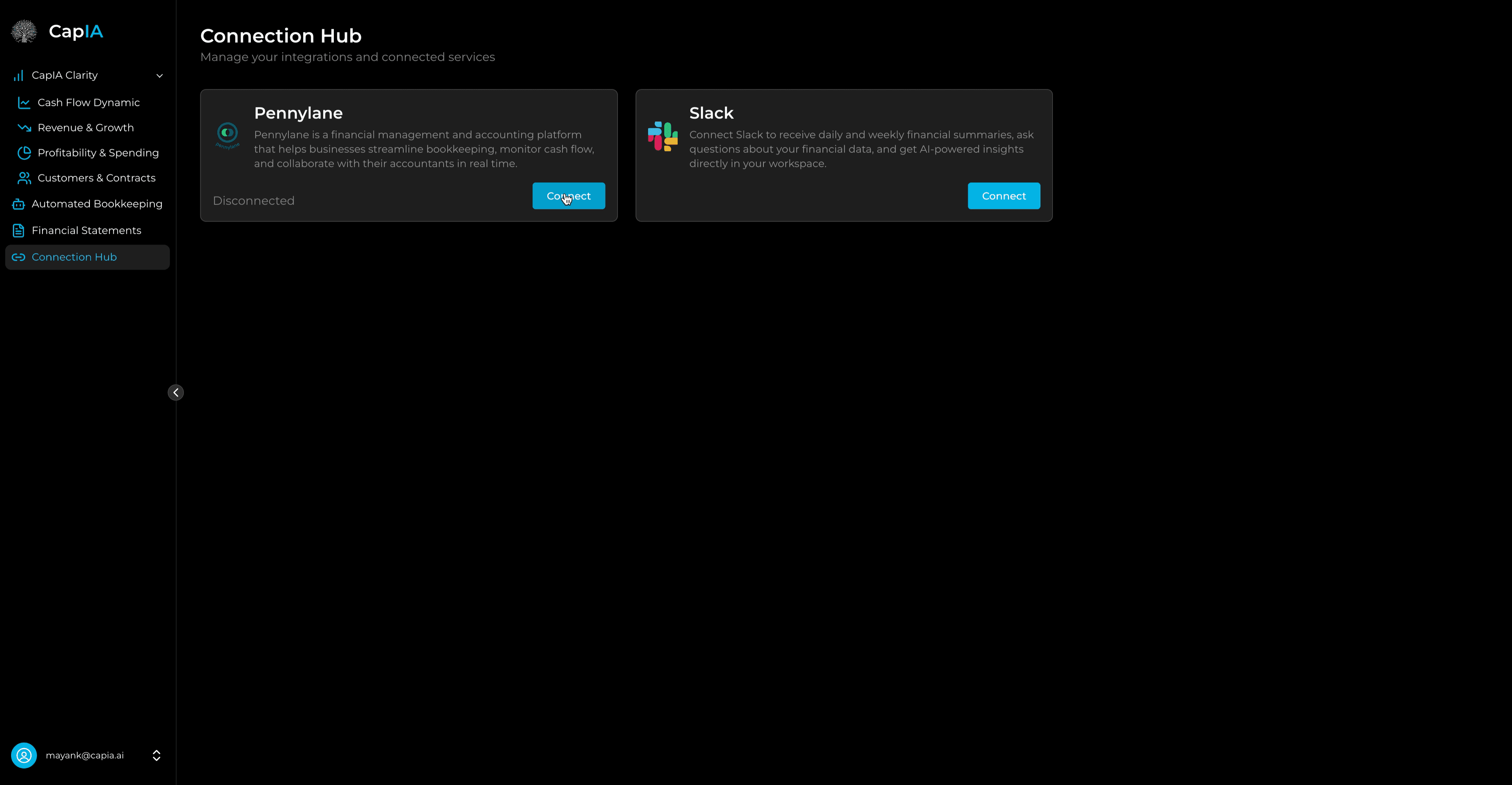
Connection Hub
The Connection Hub shows all available integrations. Click 'Connect' on the Pennylane card to begin.
Login to Pennylane
Enter your Pennylane username and password on the login page that appears.
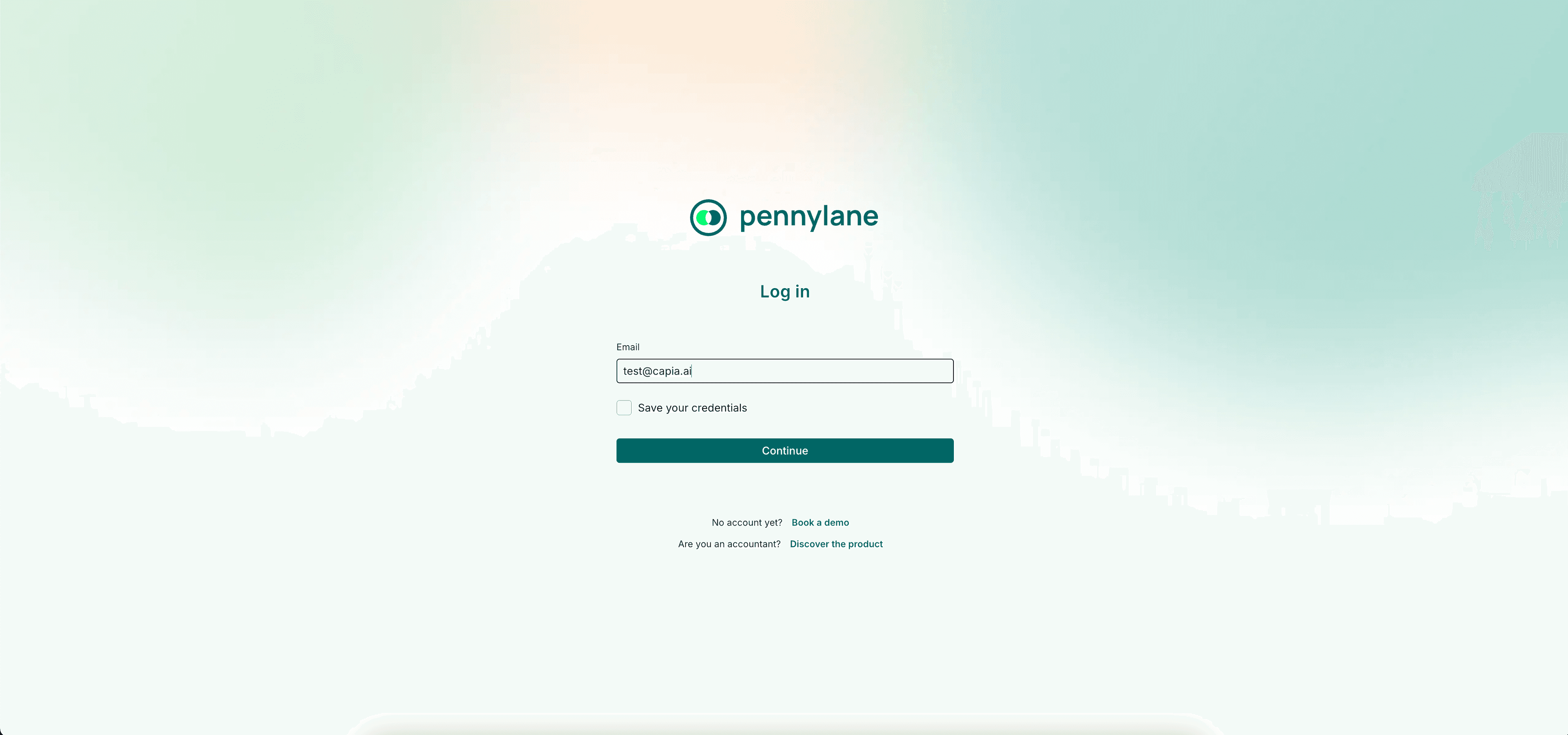
Pennylane Login
Enter your Pennylane credentials to authenticate. We never see or store your password.
Authorize CapIA
Review and accept the OAuth consent page requirements to grant CapIA access to your financial data.
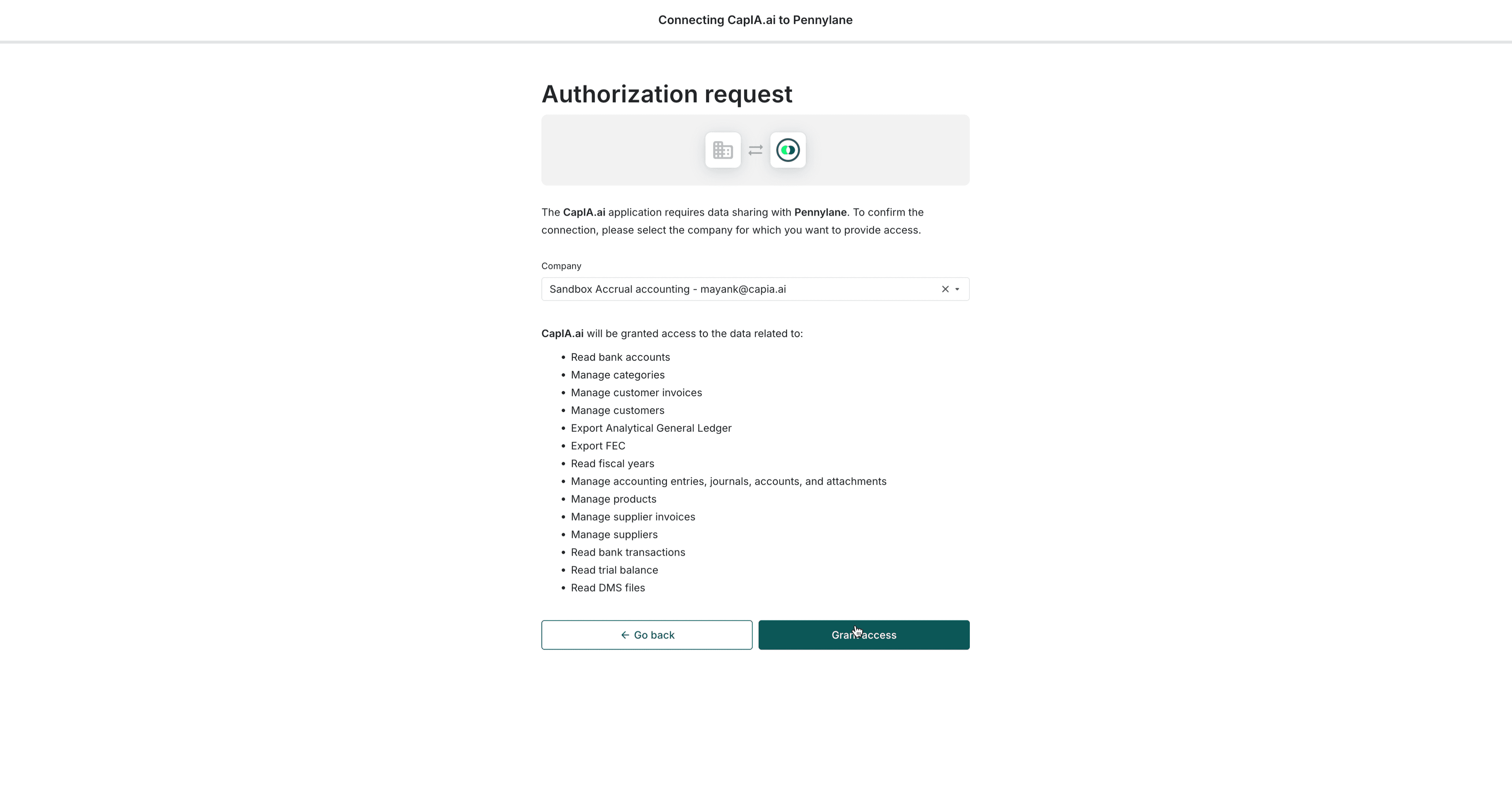
OAuth Authorization
Review the permissions CapIA needs and click 'Authorize' to proceed.
Integration Complete
You'll see a success confirmation. Your integration is now complete and data sync will begin automatically.
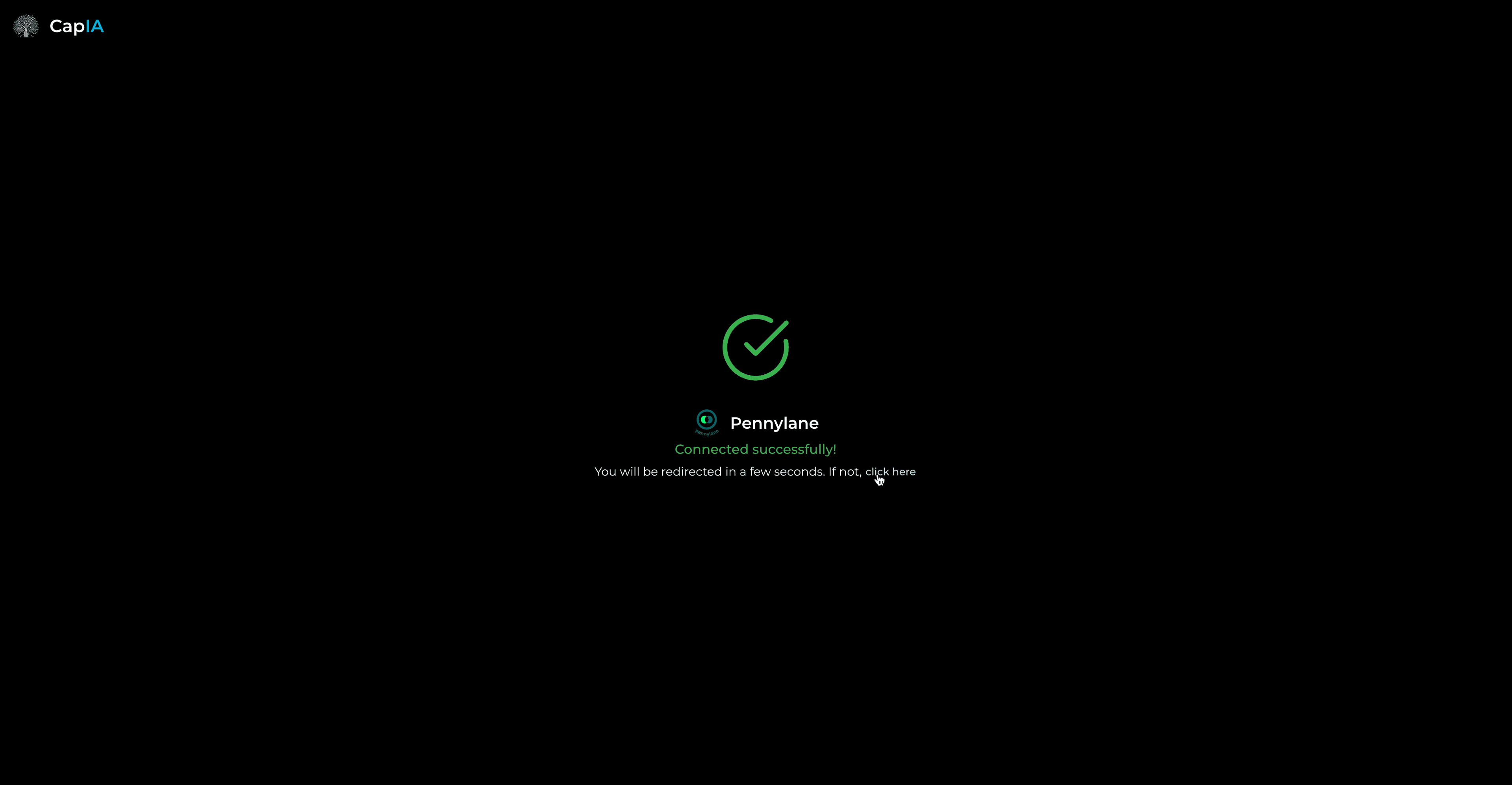
Success Confirmation
Your integration is complete! Data synchronization will begin automatically.
Benefits of Pennylane Integration
Automated Bookkeeping
Save 5-10 hours per week on manual bookkeeping tasks. Our AI automatically categorizes transactions, matches invoices, and identifies new customers and suppliers.
Real-Time Financial Insights
Get instant access to your cash position, burn rate, runway forecasts, and revenue analytics—all updated in real-time as transactions flow in.
AI-Powered Forecasting
Leverage advanced AI to forecast your cash flow and revenue with confidence bands showing best and worst-case scenarios.
Automated Transaction Categorization
Every transaction is automatically categorized using our intelligent classification system, saving you hours of manual work.
Customer & Supplier Matching
Our AI automatically matches transactions to existing customers and suppliers, and identifies new entities for your review.
Invoice Matching
Automatically match invoices to transactions, flagging any discrepancies or anomalies for your attention.
Bidirectional Sync
Categorization can be pushed back to Pennylane, ensuring source of truth consistency across both platforms. Your data stays synchronized automatically.
Security & Privacy
We use OAuth 2.0 for secure authentication, which means we never see or store your Pennylane password. All data is encrypted in transit (TLS 1.2+) and at rest (AES-256). Your financial data is stored in EU-hosted infrastructure with enterprise-grade security measures.
Ready to Get Started?
Connect your Pennylane account and start automating your financial operations today.
Start Free — No Credit Card Required